| |
|
|
| |
|
|
| |
|
|
|
|
|
|
|
|
|
|
|
|
|
|
|
|
|
|
|
|
|
PC CAN
Software |
|
|
|
|
|
PCAN-Explorer
|
|
|
|
|
| |
|
|
| |
|
|
| |
PCAN-Explorer 7 - Explore the Difference
|
|
| |
|
|
|
Professional
Windows® Software for CAN, CAN FD and CAN XL
|
|
|
|
|
| |

|
|
| |
|
|
| |
Version 7 of PCAN-Explorer introduces a suite of new features to streamline your daily
tasks in the CAN world, making them more efficient, comfortable, and straightforward. It
includes the latest CAN standards, namely CAN XL and J1939 FD, along with the ability to
script tasks with Python. Thus, you'll be ready to explore the future of CAN.
|
|
| |
|
|
|
|
|
| |
|
|
| |
* Users who want to try out PCAN-Explorer 7 before buying can download and use a free
trial license. It provides full functionality of PE7 including all Add-ins - free of
charge for 30 days. It can be received by sending a request to our Technical Support
Team. Get your Trial License now!
|
|
| |
|
|
|
Core Features and Highlights
|
|
| |
|
|
| |
CAN XL Support

|
CAN XL is the next generation of the CAN bus. CAN XL nodes use the same
two-line High-speed CAN cabling as previous versions and are
backward-compatible with CAN FD and CAN CC (Classic) devices.
CAN XL provides data bit rates of up to 20 Mbit/s and a
significantly higher payload of up to 2048 bytes per message.
Additionally, CAN XL has predefined structure elements that signal
specific data types to other XL nodes. This includes tunneling,
virtual networking, and protocol extensions, such as security
enhancements.
embOS is a priority-controlled real-time operating system (RTOS),
designed to be used as a foundation for the development of embedded
real-time applications. It is a zero-interrupt-latency,
high-performance RTOS optimized for minimum RAM and ROM usage while
delivering excellent speed and versatility.
|
|
|
|
|
|
|
| |
|
|
| |
Apply Multiple Symbol Files

|
Up to PCAN-Explorer 6, only a single Symbol file, the CAN
database format by PEAK-System, could be applied to a
connection. When a new device was integrated into the CAN
network, the corresponding definitions for CAN messages had
to be merged into the existing Symbol file.
Now it is easy to add CAN message definitions flexibly to a
Connection in PCAN-Explorer 7 by just applying the necessary
additional Symbol file. The same can be done with
third-party databases. The corresponding software support is
provided by the Add-ins CANdb Import and AUTOSAR XML Import
(available as a bundle).
|
|
|
|
| |
|
|
|
|
|
| |
|
|
| |
Python Scripting

|
In addition to VBScript, PCAN-Explorer 7 now has an
implementation of the widely used Python scripting
language, known for its clear structure and powerful
standard library. With Python, you can access the full
Object Model of PCAN-Explorer 7 and create small
automation tasks for your daily work in CAN
environments.
|
|
|
|
| |
|
|
|
|
|
| |
|
|
| |
Enhanced Licensing

|
PCAN-Explorer 7 uses the established CodeMeter
licensing tool, with which you may already be familiar
from other software applications. This offers flexible
licensing options, including the new floating
licenses for your enterprise environment. You can
also use a self-hosted licensing server. Of course,
single-user licenses and those using license dongles are
available.
|
|
|
|
| |
|
|
|
|
|
| |
|
|
| |
Fine-Graded Trace Playback

|
When playing back a CAN trace file to your CAN bus for
testing purposes, you may not only want to replay the
entire data stream at once but also go through the CAN
messages in meaningful chunks using breakpoints. You can
even single-step through the trace files. Text-based
trace files from PEAK-System tools can be used directly.
Many other file formats, such as MDF4 and
BLF, can be imported.
|
|
|
|
| |
|
|
|
|
|
| |
|
|
| |
J1939 FD Support

|
The SAE J1939 standard has been extended with J1939 FD,
which defines the use of CAN FD frames. The same
Parameter Groups are used as in classic J1939, while the
transport layer is optimized to benefit from the higher
data rate and larger payloads of CAN FD, especially for
multi-packet messages.
You can take advantage of analyzing J1939 FD traffic
with PCAN-Explorer 7 and its J1939 Add-in.
|
|
|
|
| |
|
|
|
|
|
| |
|
|
| |
Highlighting Data Changes

|
Wondering if any incoming CAN message has changed its
data since the previous reception? In the Receive list
of CAN messages and in the Watch window for Signals,
this can now easily be detected visually, as changes in
data bytes are highlighted.
|
|
|
|
| |
|
|
|
|
|
| |
|
|
| |
Improved Performance

|
The daily work experience with PCAN-Explorer 7 benefits
from its 64-bit foundation and separate engines for
communication tasks and the user interface, resulting in
improved performance, responsiveness, and overall
stability.
|
|
|
|
| |
|
|
|
|
|
|
|
|
|
PCAN-Explorer 7: Plotter Add-in 7
|
|
|
|
|
|
|
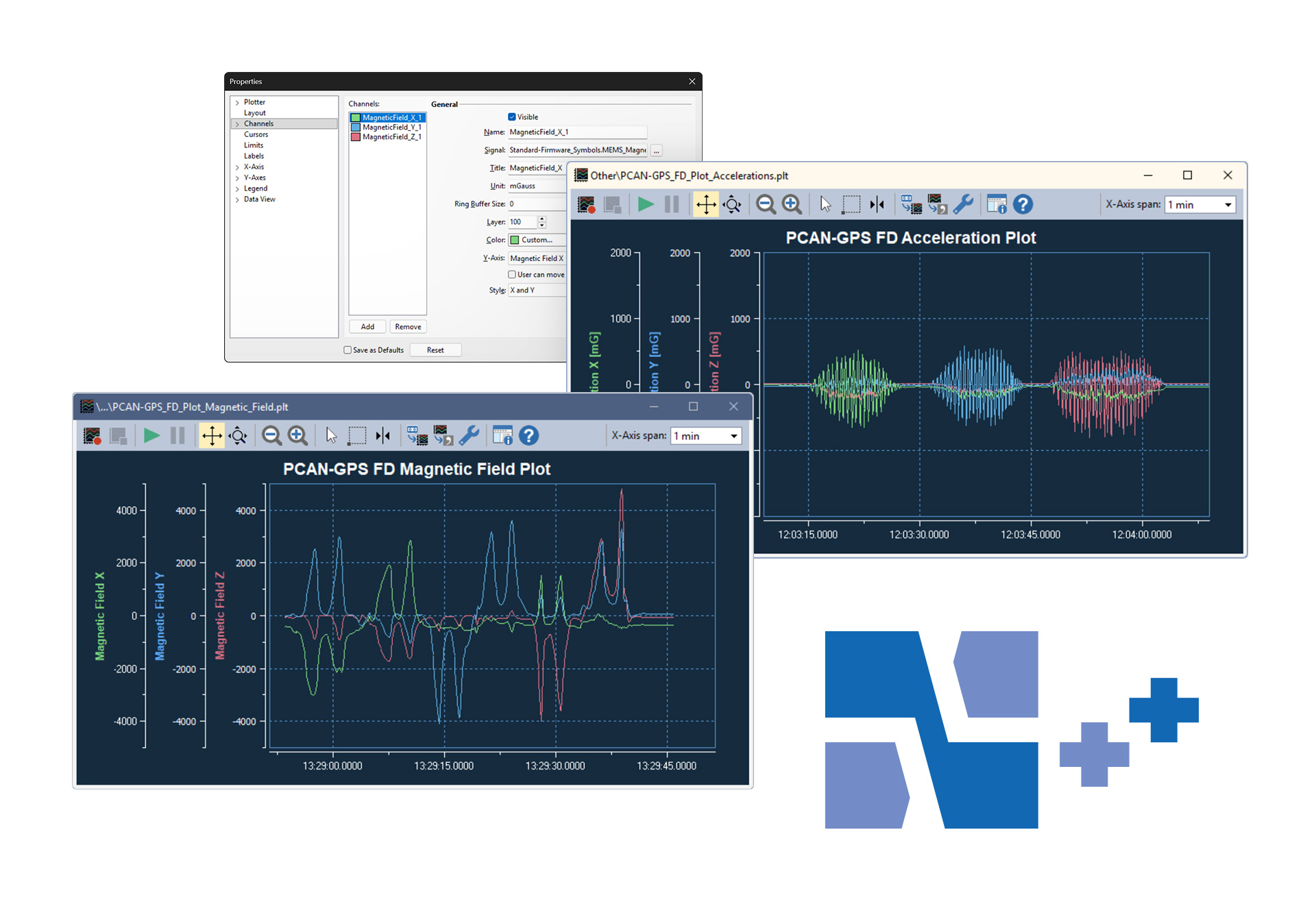
The Plotter Add-in allows the
recording and graphical
representation of any number of
signal courses. Signal sources
can be the data from incoming
and outgoing CAN messages as
well as virtual variables and
results from macro calculations. |
|
|
|
|
|
|
|
|
|
| |
|
|
| |
|
|
|
|
|
|
|
|
|
PCAN-Explorer 7: Instruments Panel Add-in 7
|
|
|
|
|
|
|
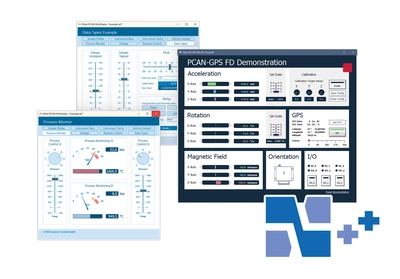
The Instruments Panel Add-in
allows the graphical
representation of digital and
analog signals using different
display instruments. The
integrated input options and
controllers make it possible to
also generate messages on the
CAN bus. This allows the
realization of simple
simulations, test benches, and
complex monitoring applications. |
|
|
|
|
|
|
|
|
|
| |
|
|
| |
|
|
|
|
|
|
|
|
|
PCAN-Explorer 7: Bus Descriptions Add-in 7
|
|
|
|
|
|
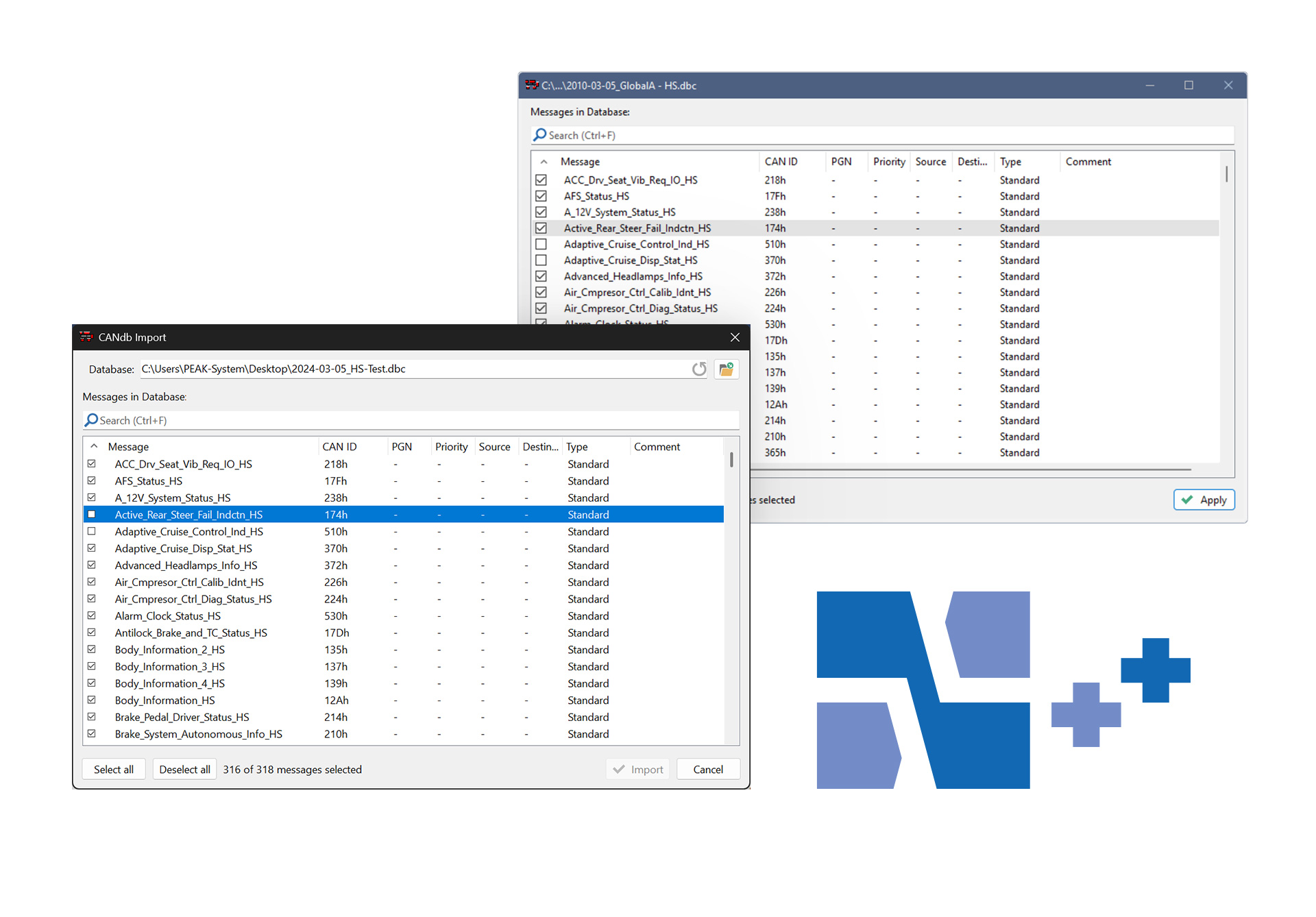
CANdb and AUTOSAR XML are common
data description formats for CAN
bus information in the car
industry and further areas.
The Bus Descriptions Add-in
includes the former CANdb Import
Add-in and the new AUTOSAR XML
Import Add-in allowing the use
of those formats in PCAN-Explorer
7. Furthermore, specific bus
descriptions from such files can
be imported into our Symbol file
format using the PCAN-Symbol
Editor. Vice versa, an export to
.dbc files is possible too.
|
|
|
|
|
|
|
|
|
|
| |
|
|
| |
|
|
|
|
|
|
|
|
|
PCAN-Explorer 7: J1939 Add-in 7
|
|
|
|
|
|
The SAE J1939 network protocol
describes communication on a CAN
bus in utility vehicles for the
transmission of diagnostics data
and control information. It
contains a complete network
definition using 29-bit CAN IDs.
In addition to J1939 with CAN CC
as its basis, J1939 FD based on
CAN FD was implemented to enable
higher data rates and improve
responsiveness.
The J1939 Add-in for PCAN-Explorer
supports all definitions
established by the standard’s
parameter groups and provides an
easy way to access the
parameters. A database with all
the definitions and parameters
contained is included and is
updated regularly in case of an
active maintenance contract.
Custom Parameter Groups can be
defined, also based on PGs from
the database.
|
|
|
|
|
|
|
|
|
|
| |
|
|
| |
|
|
|
|
|
|
|
|
|
PCAN-Symbol Editor 7
|
|
|
|
|
|
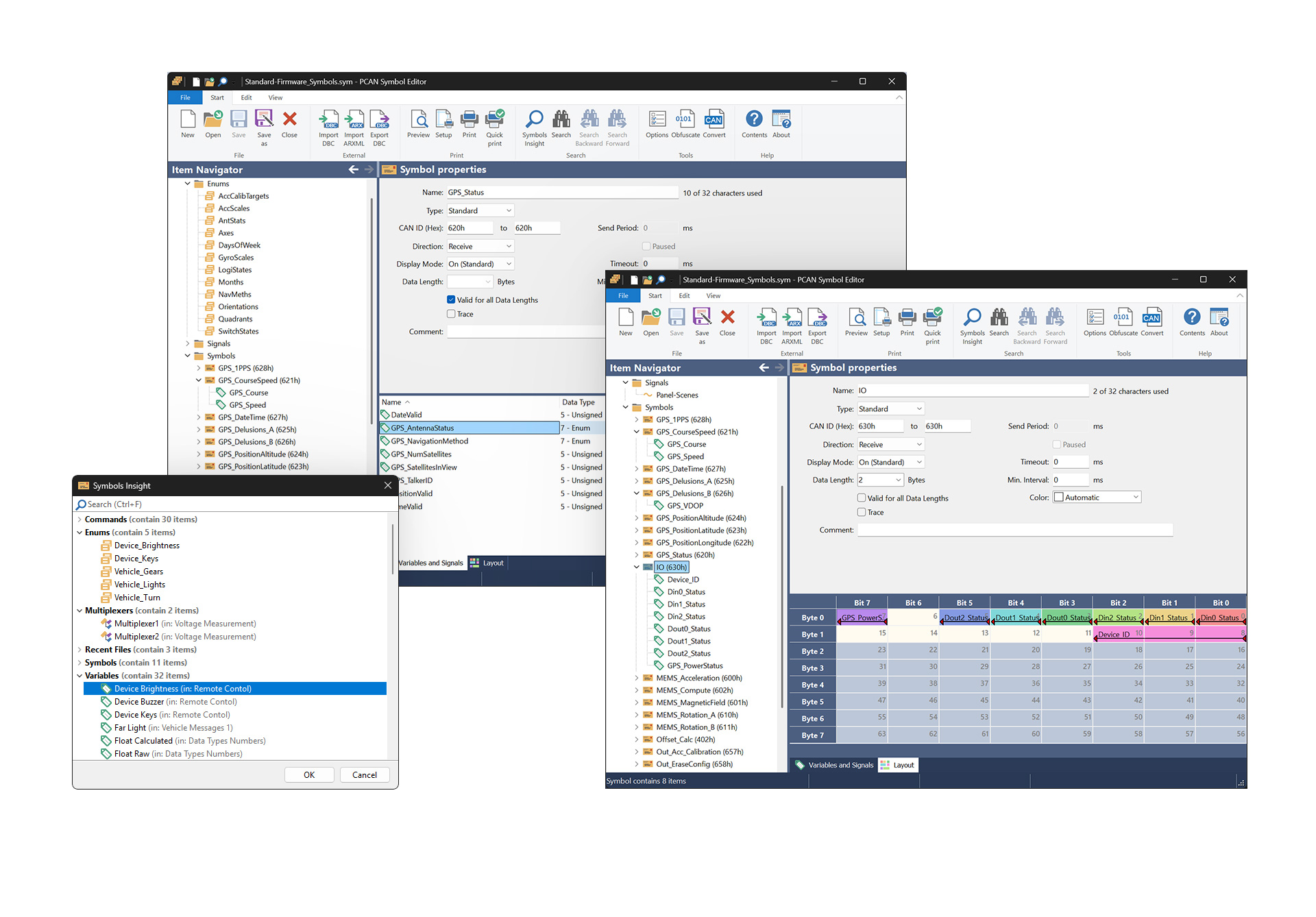
The Symbol format developed by
PEAK-System translates the
hexadecimal display used for CAN
data traffic into a format that
the user can understand.
To create a Symbol, names are
first assigned to the individual
CAN IDs. The interpretation and
presentation of CAN data is
defined using signals with
various parameters, such as name
and output format. The Symbol
created in this manner enables
easy allocation of incoming and
outgoing CAN messages and
ensures that the CAN data is
readable.
|
|
|
|
|
|
|
|
|
|
| |
|
|
| |
|
|
|
|
|
| |
|
|
|
PC Software
|
|
|
|
|
|
PCAN-View
|
|
|
|
|
|
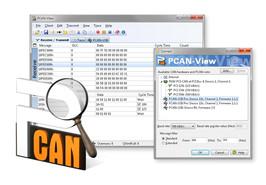
The software PCAN-View
for Windows is a simple CAN monitor for viewing, transmitting, and
recording CAN data traffic.
Messages can be transmitted manually and periodically at a
user-determined bit rate. Bus system errors and memory overflows in
the CAN hardware are displayed during the
process. The trace function can be used to record and save CAN data
traffic.
PCAN-View is supplied with every PCAN PC hardware product and allows a
quick and easy start. All available PEAK CAN interfaces are listed in
the connection dialog. After
selecting the hardware and the bit rate, the user can access all the
software functions, hardware-specific settings, and information.
|
|
|
|
|
|
|
|
|
|
| |
|
|
|
|
|
|
|
|
|
|
|
|
PLIN-View
Pro
|
|
|
|
|
|
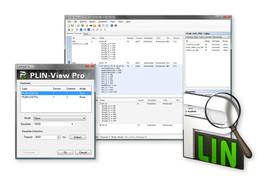
The LIN monitor
PLIN-View Pro for Windows is supplied with every PC LIN interface
from PEAK-System. Incoming LIN
messages can be viewed using this software, with the use of LDF files
(LIN Description File) allowing the symbolic depiction of LIN
messages. Outgoing LIN frames can be
defined depending on the master or slave operation mode.
PLIN-View Pro also accesses the LIN functionality of the supported
hardware, such as the on-board scheduler or automatic bit rate
detection.
|
|
|
|
|
|
|
|
|
|
| |
|
|
|
|
|
|
|
|